Translations and Internationalization
The parent app uses `next-intl` with cookie-based locale resolution and clean URLs without locale prefixes.
Relevant Files
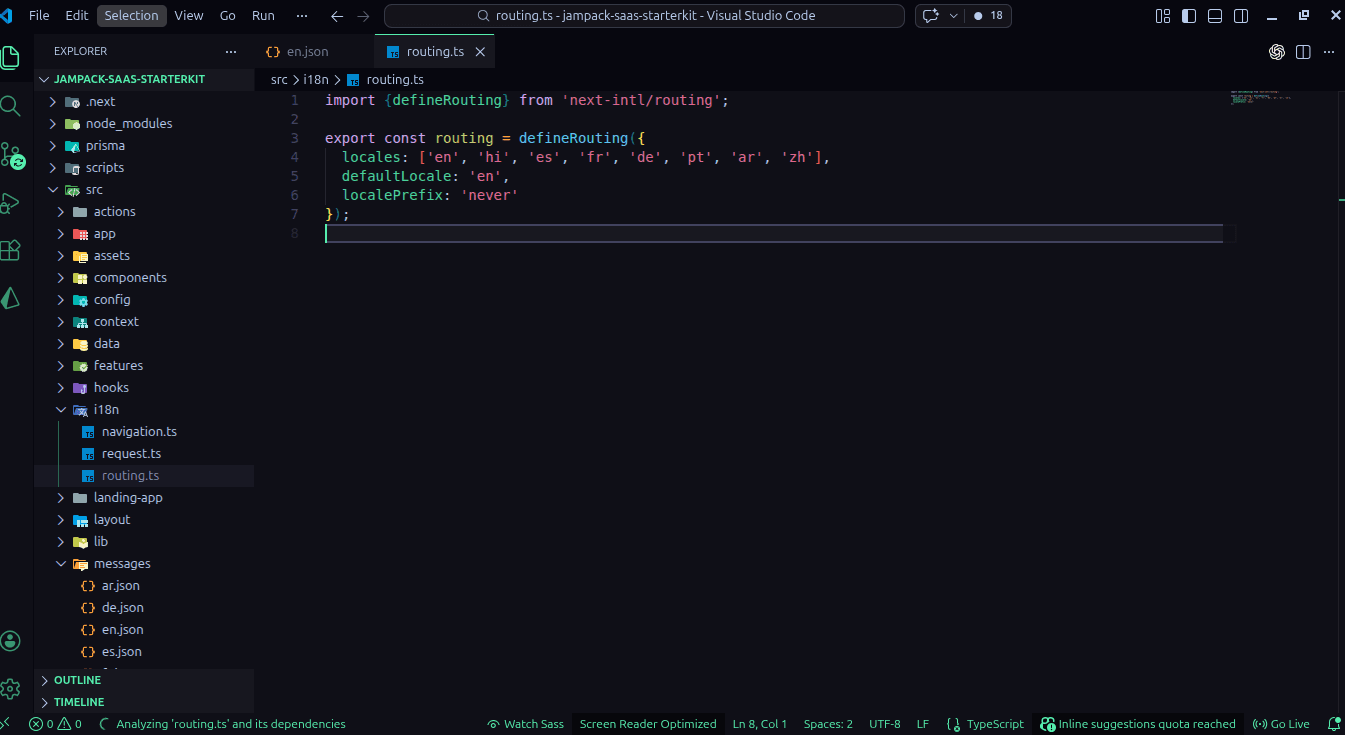
- i18n/routing.ts
- i18n/request.ts
- i18n/navigation.ts
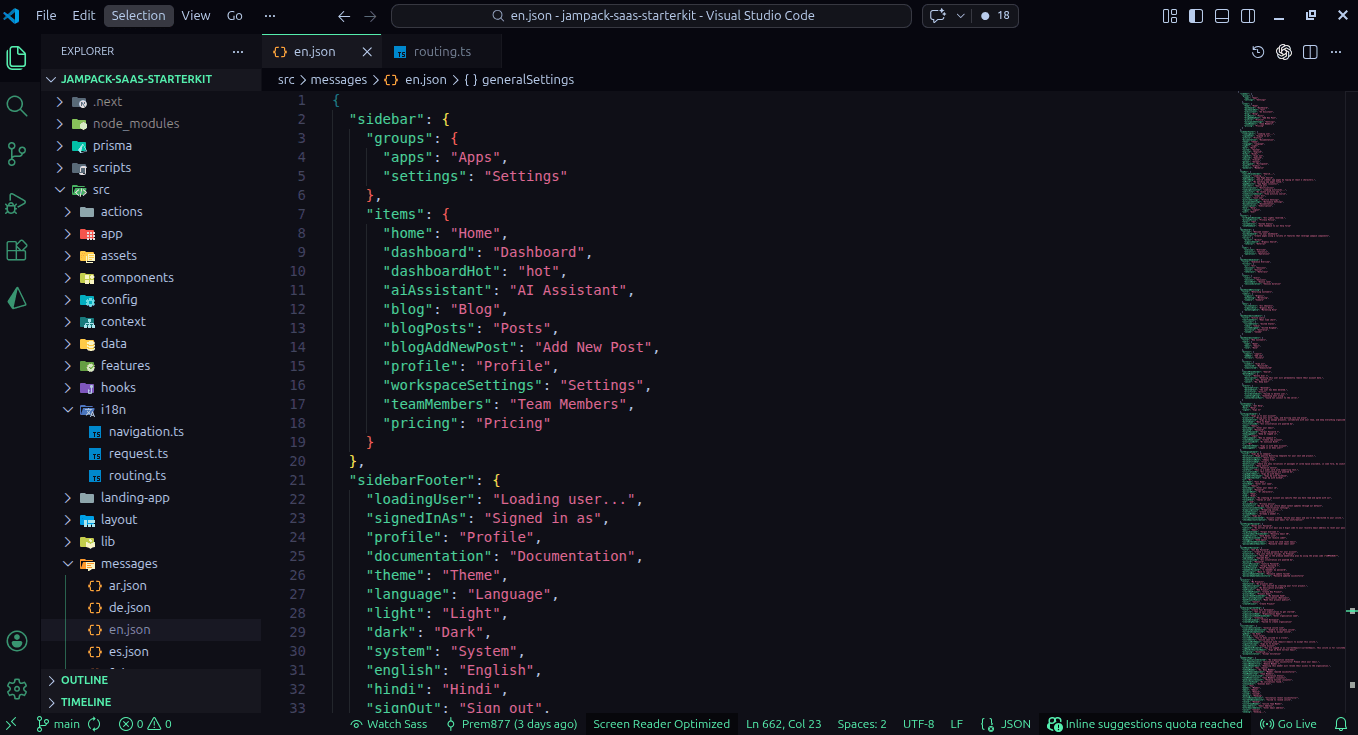
- messages/*.json
Supported Locales
- en
- hi
- es
- fr
- de
- pt
- ar
- zh
How Locale Resolution Works
- routing.ts defines locales and sets localePrefix: never.
- request.ts checks requestLocale first.
- If request locale is missing or invalid, it checks the NEXT_LOCALE cookie.
- If neither works, it falls back to en.
- Messages are loaded dynamically from src/messages/${locale}.json.
How Navigation Is Wrapped
navigation.ts exports Link, redirect, usePathname, useRouter, and getPathname from createNavigation(routing) so the rest of the app stays aligned with next-intl routing rules.
How to Add or Change Languages
- Add the locale to routing.ts.
- Create the matching JSON message file.
- Update any language switcher UI if it lists locales explicitly.
- Verify auth, pricing, invites, and sidebar labels for the new locale.